Turn traffic into booked appointments


From independent teams to national brokerages
).avif)
.avif)
.avif)
.avif)
.avif)
.avif)
.avif)
.avif)
.avif)
.avif)
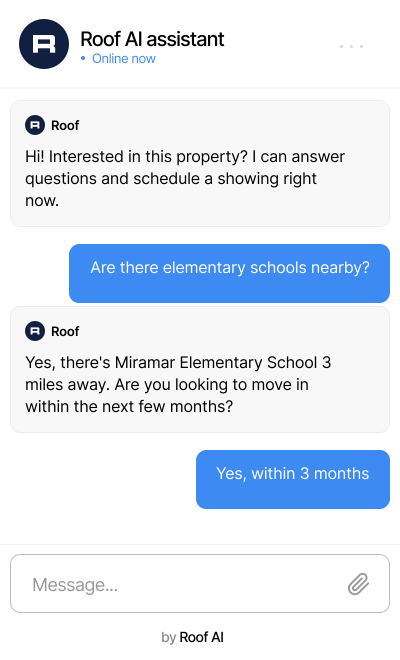
A dedicated assistant for your website

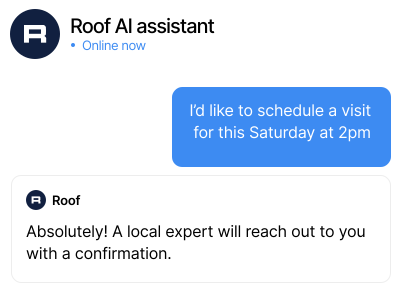

Turn conversations into qualified leads
Leads your agents can act on immediately

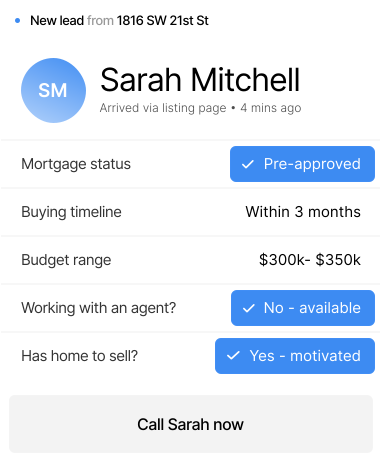

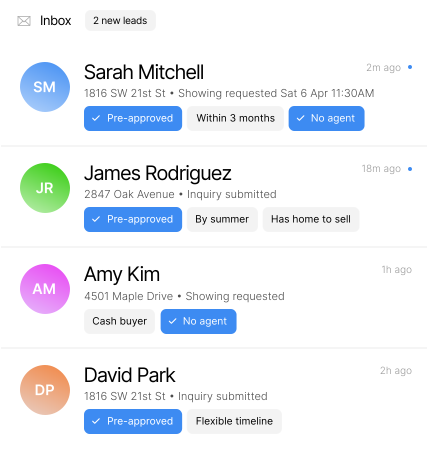

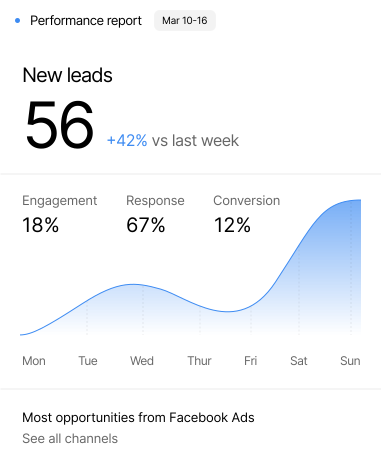
Live on your site in under 10 minutes
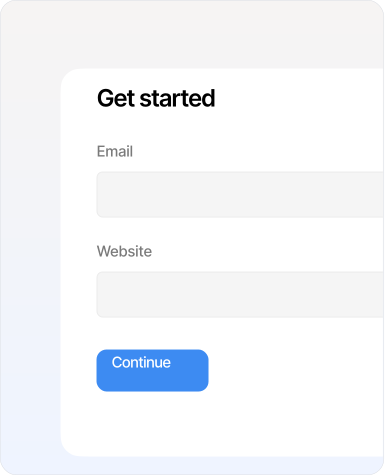
Sign up with your email
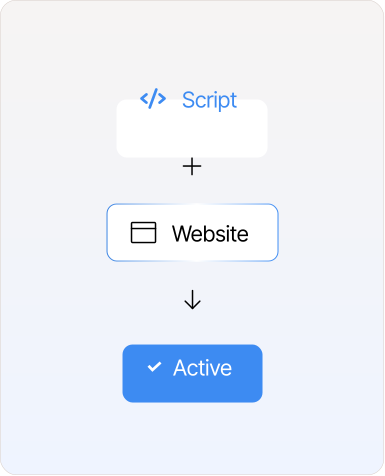
Add one line of code
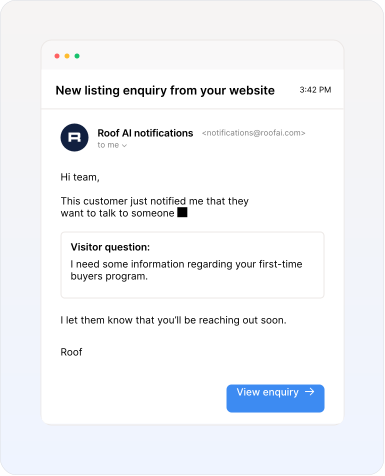
Watch leads arrive
Trusted by the top U.S. brokerages and teams












90M
18+
4x
7.5%
Start free. Scale as you grow.
FAQs
Got questions? We’ve got answers. Check out our most frequently asked ones here or talk to our team.
Roof AI captures any visitor who shares their contact details or asks to be contacted, including showing requests, listing inquiries, buyer and seller leads, and general inquiries. On the Intelligence and Full service tier, each lead also comes with a categorized intent type so you know exactly why they reached out before it hits your inbox.
Roof AI can appear across every page of your website, from your homepage to individual listing detail pages, and everything in between. To enable this, the script we provide needs to be installed in your website's global header. Visitors can then ask questions, request showings, submit inquiries, and take action without ever leaving your site.
Your AI assistant settings let you upload your brokerage and team information – things like FAQs, service areas, office hours, policies, and more – so Roof AI answers questions accurately and on-brand. This is available for all plans. While this is optional, we recommend building it out if you want the assistant to better reflect your company.
Every lead comes with a structured profile that includes the visitor's name, email, phone, and context from the conversation – like their availability or the nature of their inquiry. On the Intelligence tier, lead profiles also include richer qualification data such as buyer or seller intent, mortgage status, timeline, and more.
When a lead is captured, you'll automatically receive an email notification at the address you provided during setup. Each notification includes the lead's contact details, the listing involved, and a summary of the conversation, giving your team the context to follow up quickly.
Yes, you can set and update your notification recipients at any time, so leads go directly to the right inbox – whether that's an individual agent, a team lead, a coordinator, or a shared mailbox.
The Free and Core plans are fully self-serve – you can go from signup to a live assistant on your website in a single session, no sales call required. The Intelligence plan is also available as self-serve, though you can opt for a sales-assisted setup if you'd prefer help getting started.
The Free tier lets you try Roof AI at no cost and with no credit card required. You get AI chat across your website, real-time listing Q&A, lead profiles, and email lead notifications. The only limit is that you can capture up to 5 leads per month. When you're ready for unlimited lead capture and the full Core feature set, you can upgrade at any time.
Once you reach your 5 lead monthly limit, Roof AI will stop appearing on your site for you and your visitors until the limit resets at the start of the next month. There's no limit on conversations or chat volume – only on leads captured.
You can upgrade directly from your account at any time, through your assistant settings. When you upgrade, your script install stays the same – there's nothing to reinstall and no setup to redo. Your new plan takes effect as soon as your payment is confirmed. If you're not sure which plan is the right fit, reach out to us and we'll help point you in the right direction.
The Free tier is free forever with no commitment required. Paid plans are available on either a quarterly or monthly term: Monthly plans let you try Roof AI and see if it’s the right fit for you. Quarterly plans give you a discounted price over the monthly plan.
The whole process takes about 10 minutes. You'll create your account, enter a few details about your brokerage or team, and receive a script to install on your website. Once that's live, Roof AI starts working immediately.
Roof AI works on most website platforms and is installed using a small JavaScript snippet added to your site's global header, similar to how you'd install Google Analytics. The main requirement is that your listing detail pages are accessible under your main domain rather than a subdomain. If you're unsure whether your setup is compatible, reach out to us at help@roof.ai and we'll be glad to help!