
Configure and operate Roof AI
Manage your assistant’s behavior and performance.
See help docs
.avif)
Want a clear view of how Roof AI is performing on your website? Our reporting tools help brokerages and teams understand what’s happening on their website beyond simply raw traffic – which questions visitors are asking, what Roof AI is handling automatically, and how often those conversations turn into real leads.
Tracking these metrics week over week makes it easier to spot changes in buyer and seller intent, identify which pages and topics are driving results, and quickly tell whether chat performance is improving or slipping.
This article walks through the two reporting touchpoints available in Roof AI:
The following are all examples of lead notification emails you’ll receive whenever an action is needed from someone on your team. Please note that these are generated by the bot and are non-customizable.
*Financing Inquiry is available on the Lifecycle tier when the Mortgage add-on is enabled.
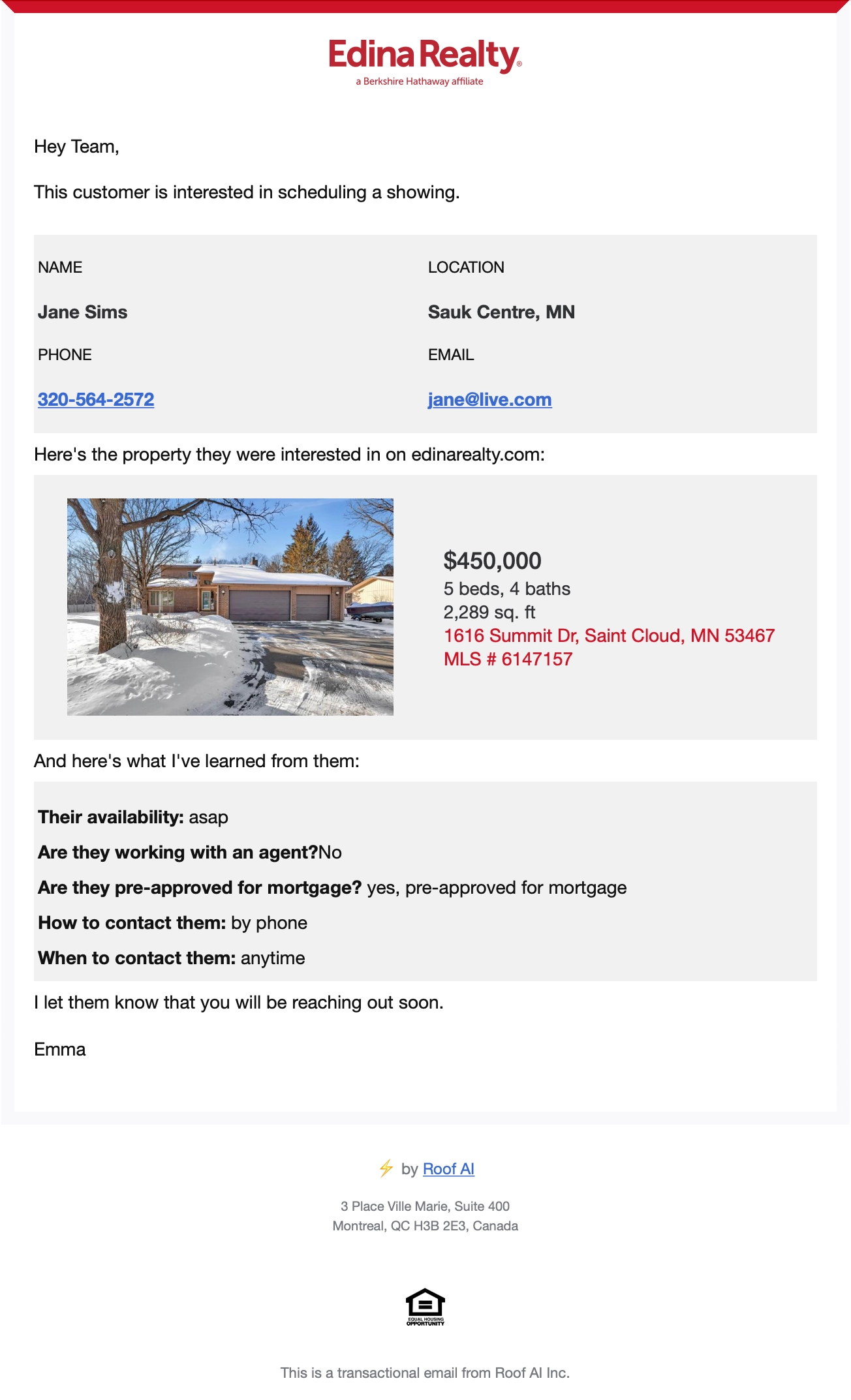
These emails get sent to your organization whenever a user submit a showing request, and signal that an action is required from someone on your team. Here’s an example of what you’ll expect.
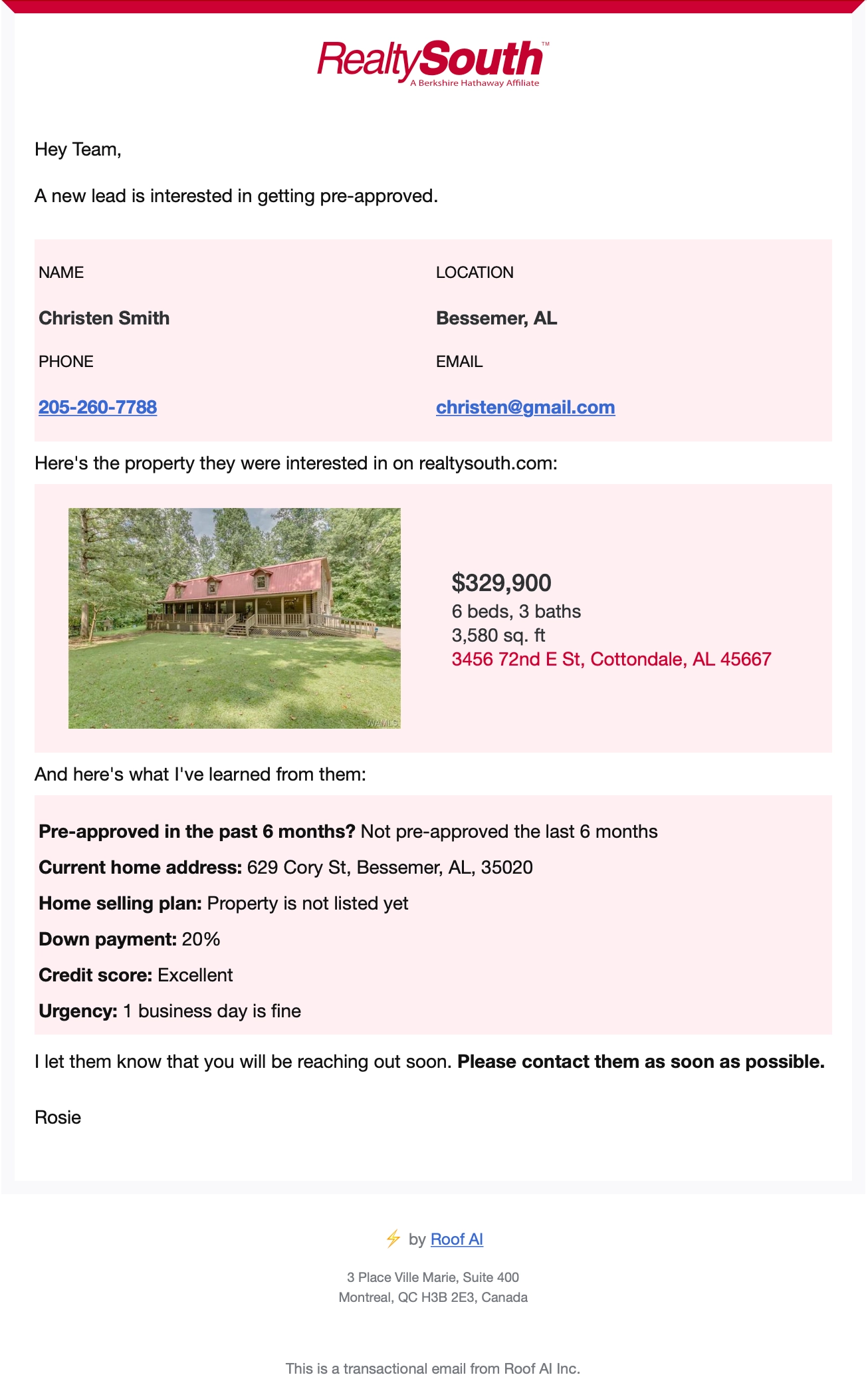
Visitors interested in financing are routed to your mortgage specialist of choice, who will receive the email below whenever a financing inquiry is submitted.
This email will include details including the listing the user is interested in, whether they’ve been pre-approved in the past 6 months, their down-payment plan, and their credit score status.
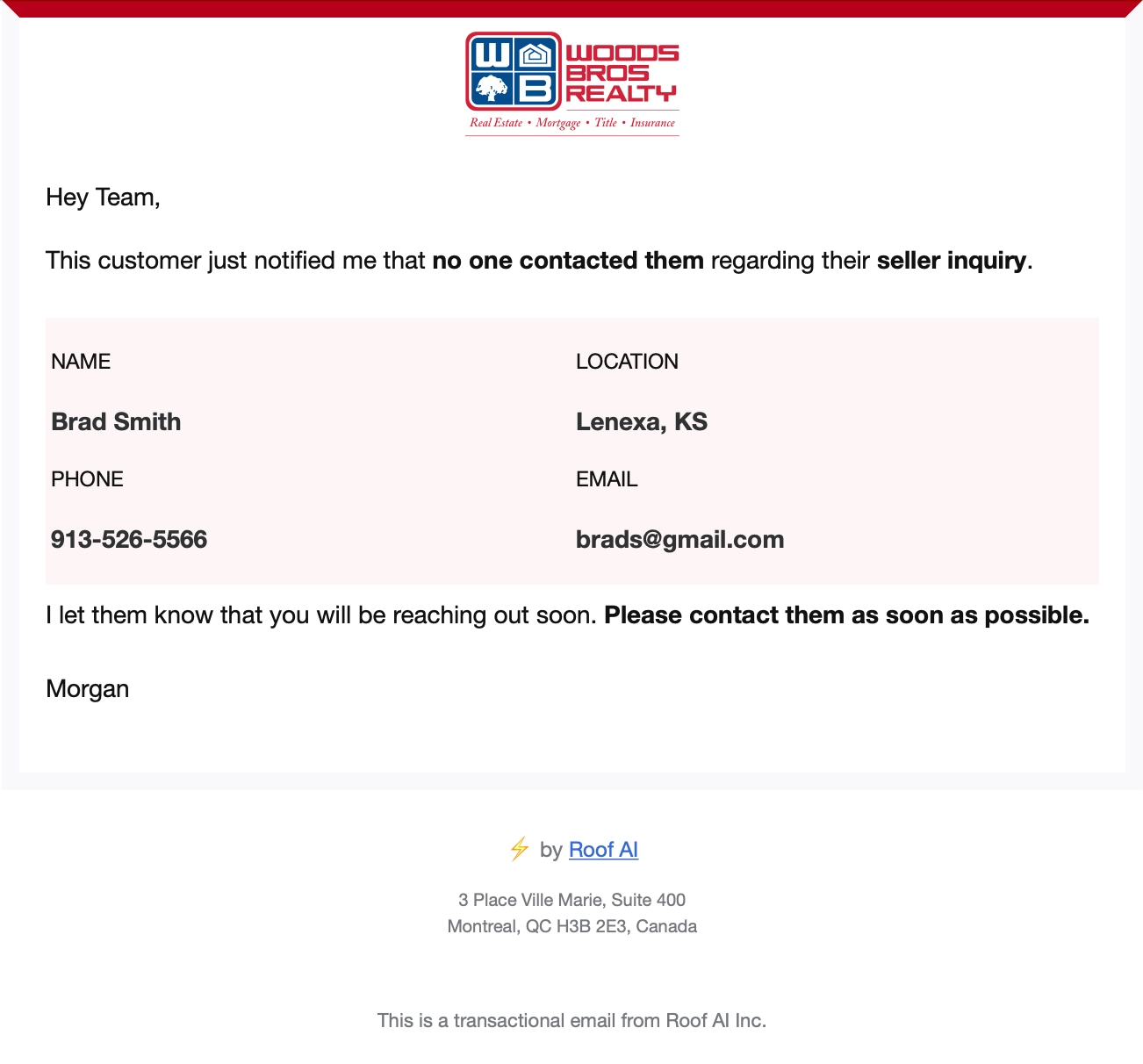
Your Roof AI assistant will follow up with users who submitted inquiries, asking them whether someone has gotten in contact with them or not. In the case that a user hasn't been contacted, an escalation email will be sent to the team notifying them that they need to reach out to them.
Follow-ups are sent to users who submitted any of the following:
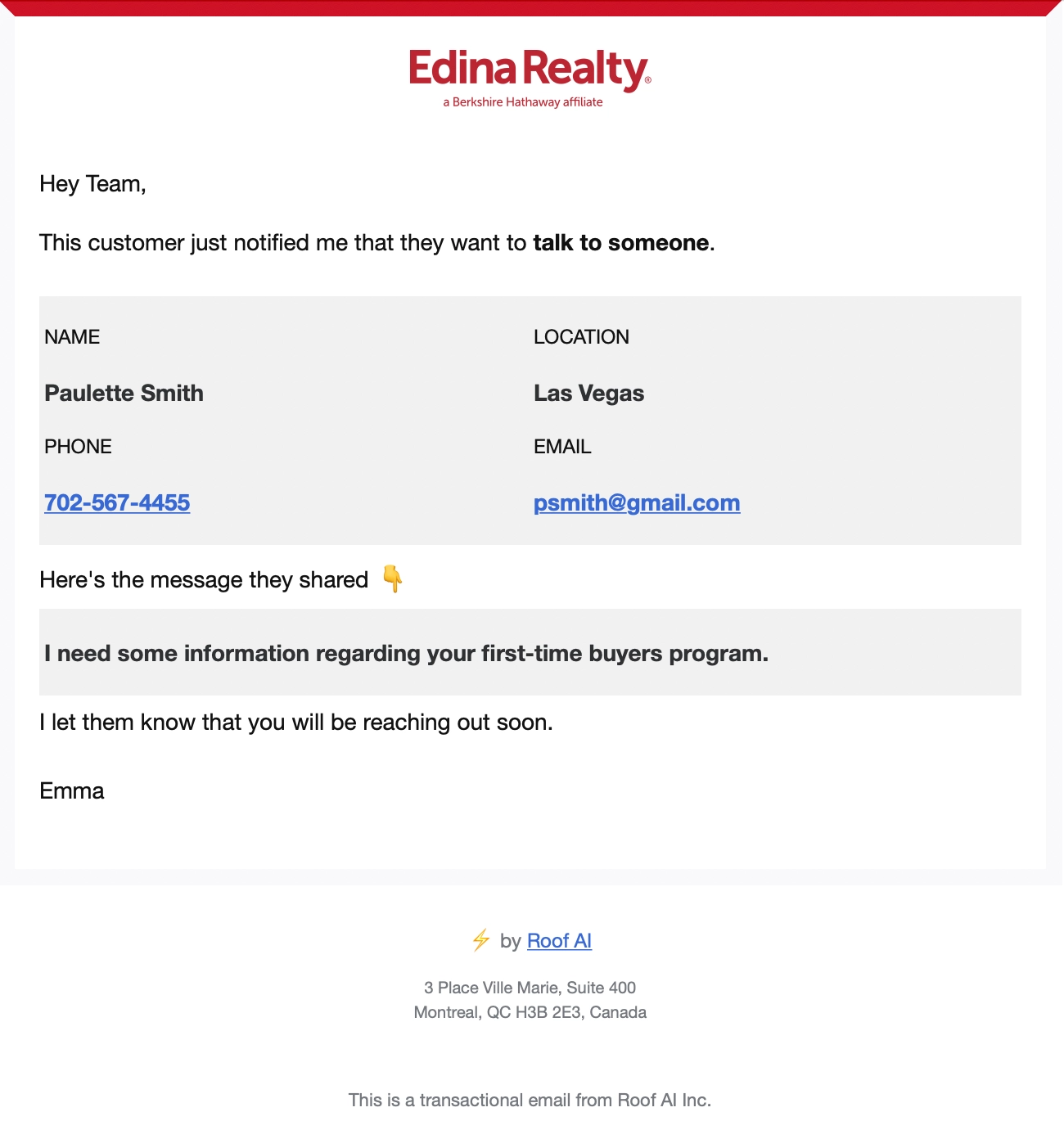
Users can submit general inquiries through your Roof AI assistant. Whenever they do, your team will receive an email that includes all the details necessary to answer their request.
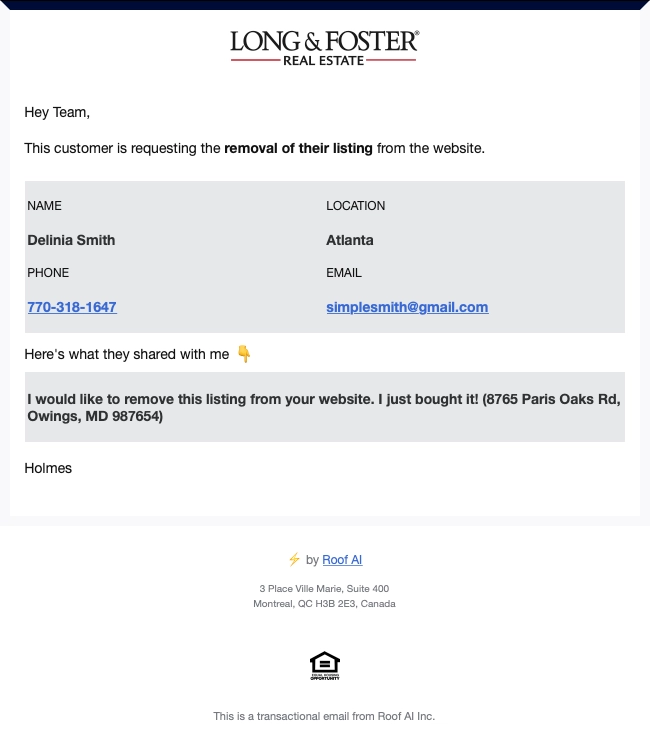
If your website is displaying sold listings, users can request your Roof AI assistant to remove their listings or photos off the site. This request is automated by your Roof AI bot, and will ask for the address as well as the contact info of the user before forwarding the request to your customer care team.
This weekly email summarizes your chat activity and captured leads, so you can track performance easily. Here are the stats you can expect:
Talk to our team and discover how Roof AI can transform your real estate operations

